
Money problems are rarely hard maths. They are hard because the numbers live in too many places: income in a banking app, spending on three cards, invoices in an inbox and next year’s plan in someone’s head. A good finance template fixes that by giving each job one file, with the formulas already written, so you only type the figures you know.
This guide walks through the six jobs that cover most personal and small business finance: budgeting, tracking expenses, forecasting cash flow, invoicing, building a financial model and presenting the numbers to someone else. For each one you will find what the job is for, the mistakes that usually go wrong, and the free template on ProTemplates that handles it.
All finance templates
-
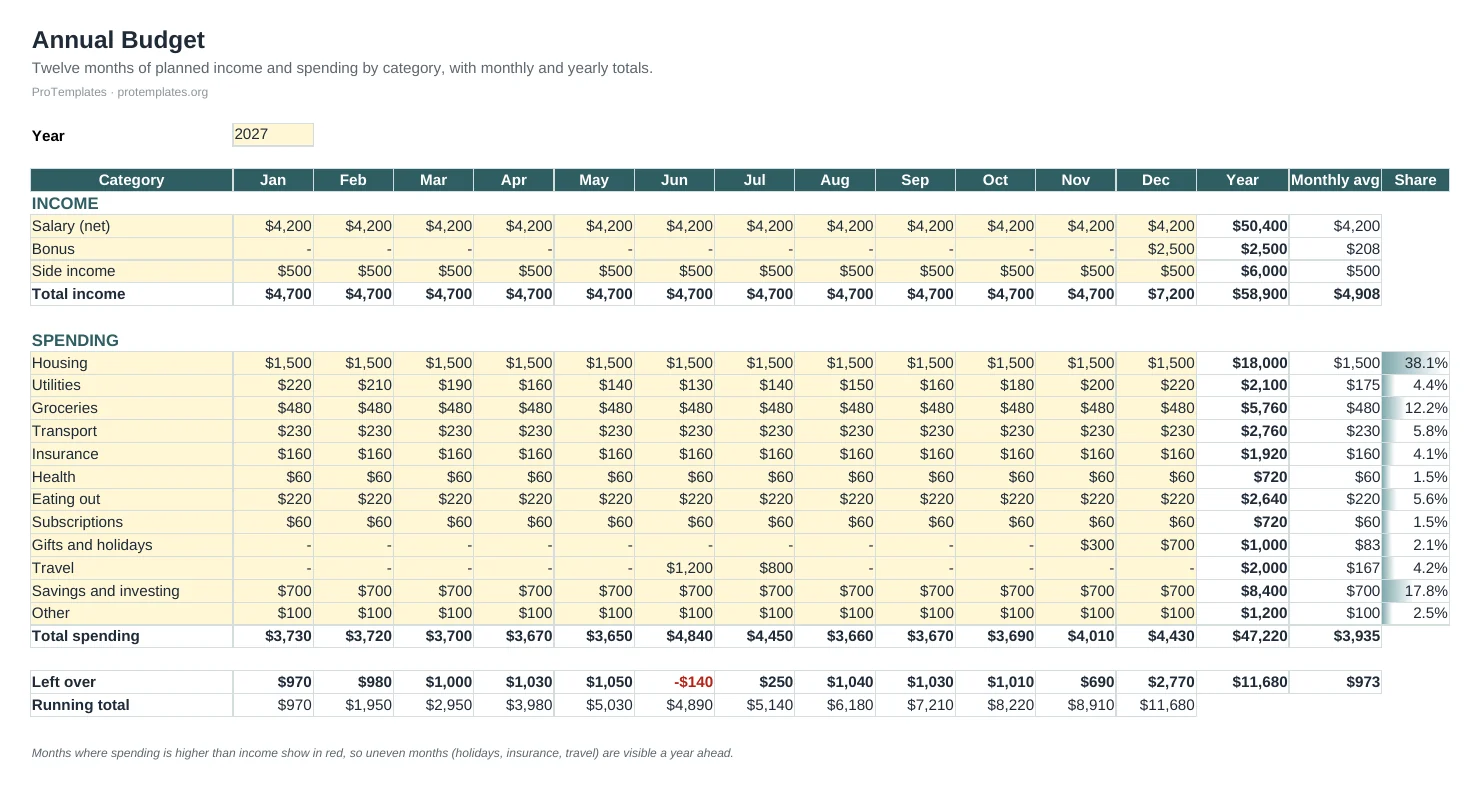
Annual Budget Template for Excel
This annual budget template for Excel lays out twelve months of planned income and spending by category on one sheet. Monthly and…
-
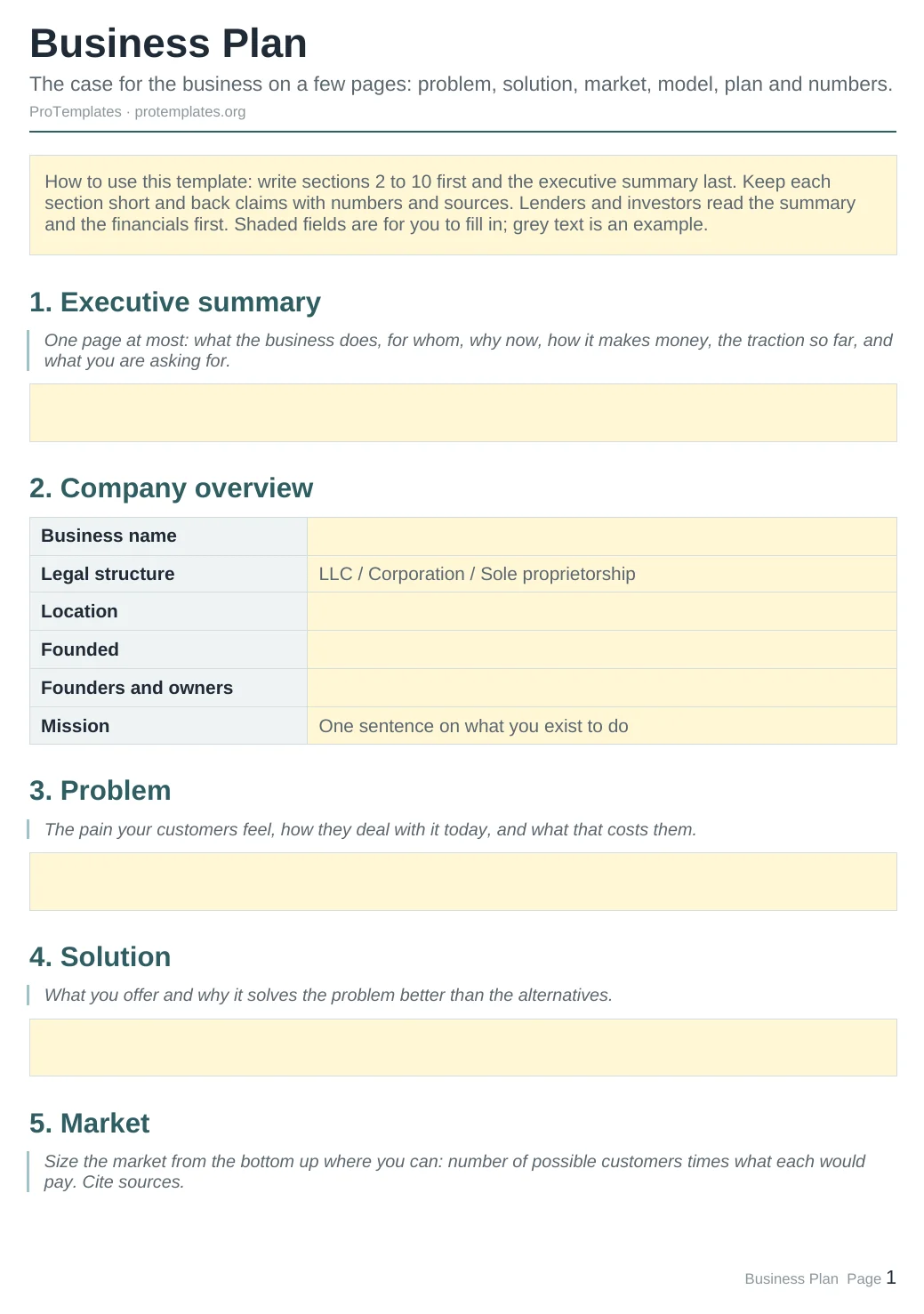
Business Plan Template
This business plan template walks you through the sections lenders and investors expect: executive summary, company overview, problem, solution, market size, competition,…
-

Cash Flow Forecast Template
This cash flow template forecasts twelve months of money coming in and going out. Each month’s closing balance becomes the next month’s…
-
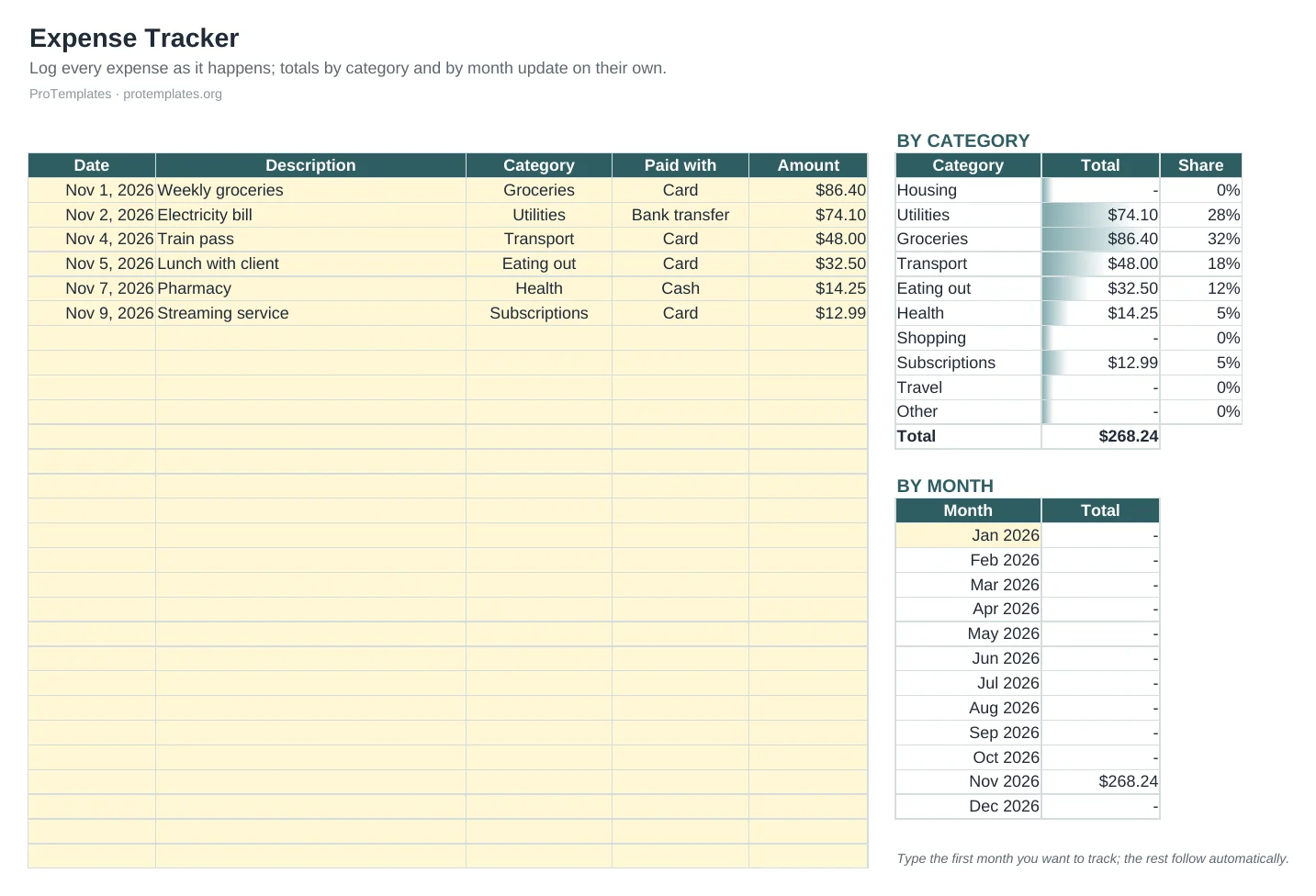
Expense Tracker Template
This free expense tracker template gives you one place to log every purchase with its date, category and payment method. Totals by…
-

Financial Model Template: 5-Year Projection
This financial model template projects five years of customers, revenue, gross profit, operating profit, net profit and cash from a single Assumptions…
-
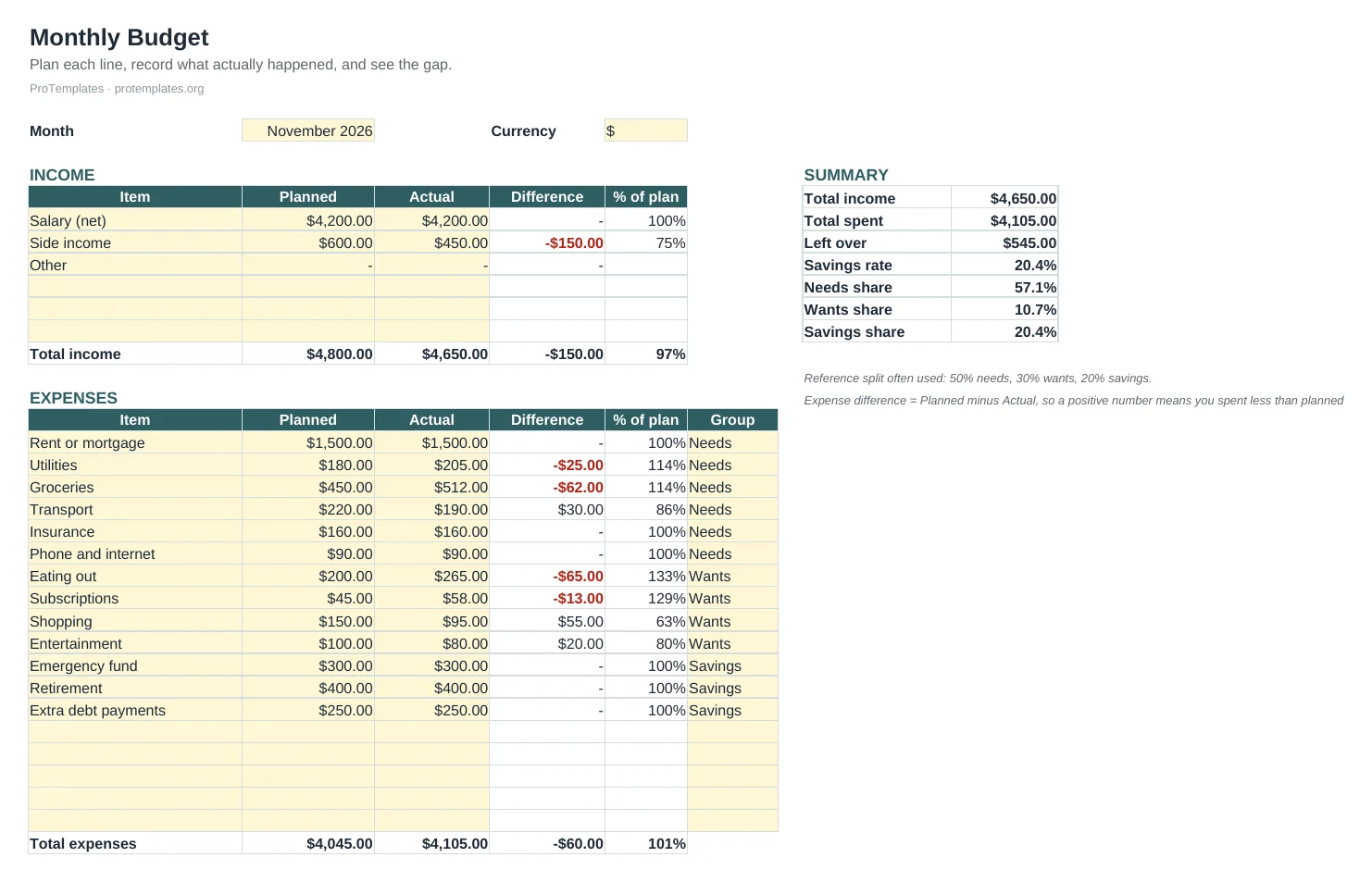
Free Budget Template for Google Sheets
This free budget template for Google Sheets lets you plan each month’s income and spending, record what actually happened and see the…
-
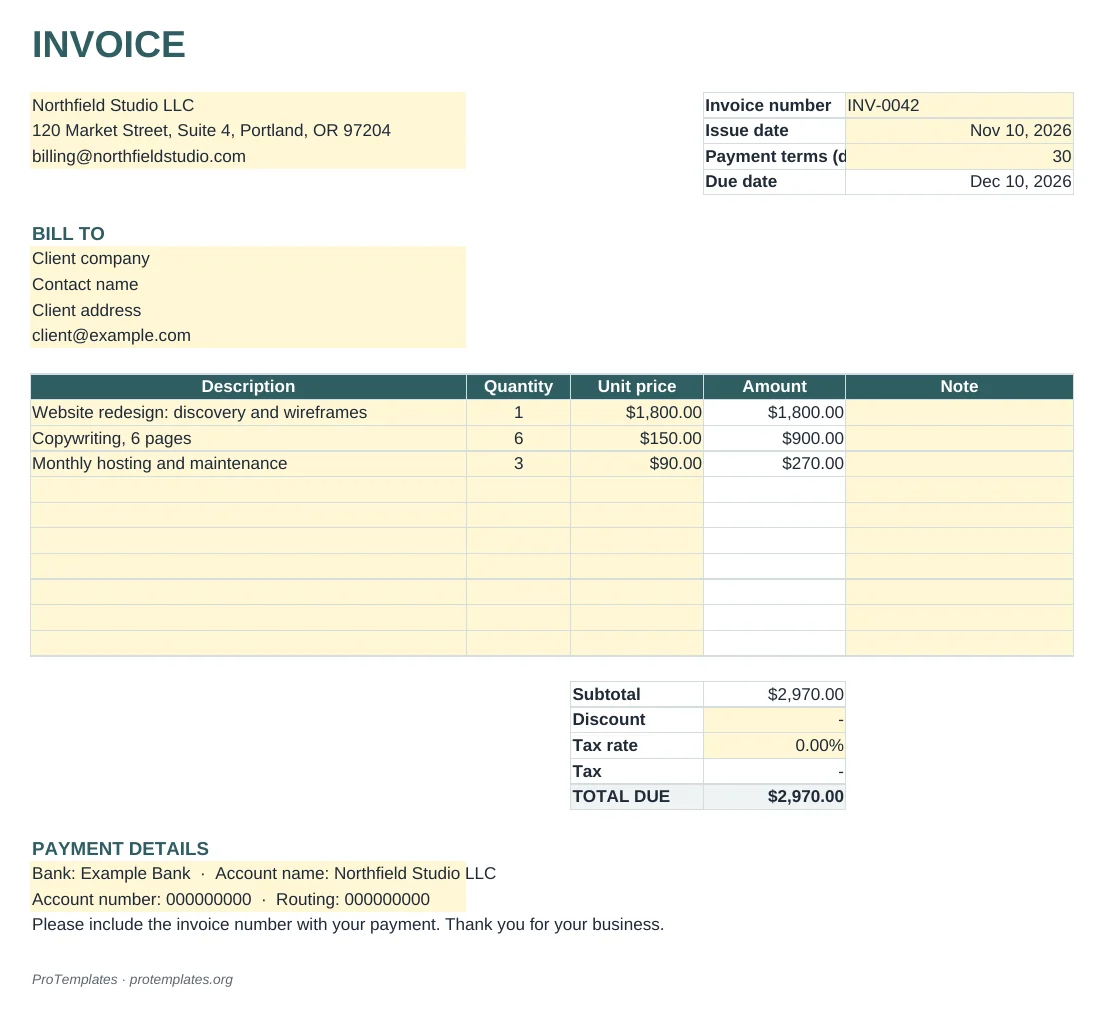
Invoice Template for Excel and Google Sheets
This free invoice template calculates everything for you: each line amount, the subtotal, discount, tax and the total due. The due date…
-

Invoice Template for Word and Google Docs
This invoice template for Word and Google Docs gives you a clean, one-page layout with your details, the client’s details, line items,…
-
Pitch Deck Template for PowerPoint and Google Slides
This pitch deck template gives you the twelve slides investors expect: problem, solution, market size, business model, traction, competition, go-to-market, team, financials,…
Budgeting: plan the money before you spend it
A budget is a plan written before the month starts. It says how much money you expect to come in and where you intend it to go. Its value is not the plan itself but the comparison at the end of the month: planned against actual, line by line. The gaps tell you which habits or costs need attention.
There are two common ways to budget, and the right template depends on which one fits how you think about money.
Monthly budgets
A monthly budget suits regular income and regular costs. You set targets for categories such as housing, food, transport and savings, then record what you actually spent. The Google Sheets budget template works this way. It also works out your savings rate and shows your real split against the 50/30/20 rule of thumb, which divides take-home pay into roughly half needs, a third wants and a fifth savings or extra debt payments.
Annual budgets
An annual budget lays out twelve months side by side. It is the better choice when large costs arrive once or twice a year, such as insurance, school fees, holidays or tax bills. Seeing them in advance lets you set money aside each month instead of being surprised. The annual budget template for Excel is built for this, with categories down the side and months across the top.
What makes a budget stick
- Use categories you recognise from your bank statement. If you never think in terms of “discretionary”, call it “eating out” and “shopping”.
- Budget from take-home pay, not salary before tax.
- Leave a buffer line for irregular costs. A budget with no slack breaks in the first month something unexpected happens.
- Review it at the same point every month, ideally the day after payday.
For a step by step walkthrough, read our guide to making a budget in Google Sheets, or browse all the budget templates.
Expense tracking: record what actually happened
A budget is the plan; an expense tracker is the record. It logs each purchase with a date, an amount, a category and a payment method. Over a few months that log becomes the most honest picture you will ever get of where money goes, and it makes next year’s budget far more accurate.
For a business, tracking expenses has a second purpose: proof. Tax authorities expect records that support every cost you deduct. In the United States, the IRS says the length of time to keep a record depends on what it supports, and generally points to three years for most income tax records, with longer periods in some cases and at least four years for employment tax records. Other countries set their own rules, so check with your local tax authority or an accountant.
The expense tracker template keeps purchases in a simple table and summarises them by category and month. A few habits make it work:
- Log expenses weekly rather than daily. Daily logging is the first habit to fall away.
- Keep the same categories as your budget so the two can be compared.
- Store the receipt reference or file name in a column next to the amount.
- Separate personal and business spending, ideally with separate accounts.
Cash flow: profit is not the same as cash
A profitable business can still run out of money. Profit is what is left after costs over a period; cash is what sits in the bank today. The two drift apart whenever customers pay late, stock is bought before it is sold, or a large bill lands before the income that covers it. Cash flow trouble is one of the most common reasons small businesses close, and it is almost always visible weeks in advance to anyone who looks.
A cash flow forecast looks forward. You start with the opening bank balance, add the money you expect to receive each week or month, subtract the payments you expect to make, and carry the closing balance into the next period. The point is to spot the month where the balance dips below zero while there is still time to act: chase an invoice, delay a purchase, agree a payment plan or arrange credit.
The cash flow forecast template for Excel covers twelve months with inflows, outflows and running balances already linked. To get the most from it:
- Record income when you expect it to arrive, not when you send the invoice.
- Include tax payments, loan repayments and annual renewals; they are the costs most often forgotten.
- Update the forecast with actual figures each month and roll it forward one month.
- Keep a minimum balance line, such as one or two months of fixed costs, and treat crossing it as a warning.
Invoicing: get paid on time
An invoice is a request for payment, and its layout affects how quickly it gets paid. A clear invoice tells the customer exactly what they are paying for, how much, by when and how. A vague one sits in an approval queue while someone emails to ask a question.
Every invoice should include:
- Your business name, address and contact details, plus any tax registration number your country requires.
- The customer’s name and address.
- A unique invoice number and the issue date.
- A line for each product or service, with quantity, unit price and total.
- Subtotal, tax and the final amount due.
- The due date and payment terms, such as 14 or 30 days.
- How to pay: bank details or a payment link.
ProTemplates has two versions. The invoice template for Excel and Google Sheets calculates line totals, tax and the amount due for you. The invoice template for Word suits anyone who prefers to edit a document and send a PDF. Whichever you use, number invoices in sequence, send them the day the work is delivered and note the due date in your cash flow forecast.
Financial models and business plans
A financial model turns assumptions into projections. You decide how many customers you expect, what they pay, how fast you grow and what it costs to serve them, and the model works out revenue, costs, profit and cash for the next few years. Its real use is testing: change one assumption and see what happens to everything else.
The financial model template projects five years from a single assumptions tab. Keep every input on that tab, label each one with its source, and build a cautious case alongside the expected one. A model that only works if everything goes right is a warning, not a plan.
A business plan puts those numbers in context. The U.S. Small Business Administration describes two common formats: a traditional plan, which is detailed and is the format lenders and investors usually ask for, and a lean startup plan, which summarises the key points on as little as one page. The SBA also notes that you do not need to follow an exact outline; use the sections that make sense for your business.
The business plan template follows the traditional structure: executive summary, company description, market analysis, organisation, products or services, marketing and sales, funding request and financial projections. If you only need the lean version, fill in the executive summary and financial sections first and expand the rest when someone asks.
Pitch decks: tell the story behind the numbers
A pitch deck is a short presentation for investors, partners or a lender. It does not replace the business plan or the model; it gives someone a reason to read them. Most effective decks cover the same ground in roughly ten to fifteen slides: the problem, your solution, the market, the business model, traction so far, the competition, the team, the financial outlook and what you are asking for.
The pitch deck template follows that order. Two rules help more than any design choice. First, every number on a slide should match the financial model exactly; investors check. Second, one idea per slide, written so it still makes sense when the deck is forwarded without you there to present it.
Excel or Google Sheets?
Every spreadsheet on ProTemplates is a standard .xlsx file, so the choice is about how you work rather than what the template can do. Both open the files without losing formulas.
- Choose Excel if you work offline, handle large files or need features such as advanced charts and Power Query. It is the default in many accounting and finance teams.
- Choose Google Sheets if you share the file with a partner, bookkeeper or team, or want to update it from your phone. Edits sync instantly and version history is built in.
- Choose LibreOffice or Numbers if you prefer free desktop software. Formulas carry over; some formatting may look slightly different.
Whichever you pick, keep one master copy. Two versions of a budget emailed back and forth is how numbers stop matching.
A simple monthly finance routine
The templates are only as useful as the habit around them. Thirty minutes once a month covers most households and small businesses:
- Update the expense tracker with any missing purchases from the month.
- Fill in actual figures in the budget and note the two or three biggest gaps.
- Roll the cash flow forecast forward one month and check the lowest balance ahead.
- Chase any invoice that is past its due date.
- Once a quarter, compare the financial model with what really happened and adjust the assumptions.
If you want a wider habit that includes finances, our guide to the weekly review shows how to fit a short check into each week.
Guides
- How to Make a Budget in Google Sheets
A working Google Sheets budget needs only two tabs and one formula: a transactions log and a summary that totals each category with SUMIFS. Here is how to build it and keep it running month after month.
Questions
Which finance template should I start with?
Start with a budget if you manage personal or household money, and with the cash flow forecast if you run a business. Add the expense tracker once either is in place.
Are these templates financial advice?
No. They are tools for organising your own figures. For tax, lending or investment decisions, speak to a qualified adviser.
Do the templates work in Google Sheets?
Yes. Every spreadsheet is a standard .xlsx file that opens in Excel, Google Sheets, LibreOffice and Numbers with its formulas intact.
Can I use them for a small business?
Yes. The cash flow forecast, invoices, financial model, business plan and pitch deck are written for small businesses and freelancers.
Are they really free?
Yes. Every template on this page is free to download and use, including for commercial work.