What’s inside
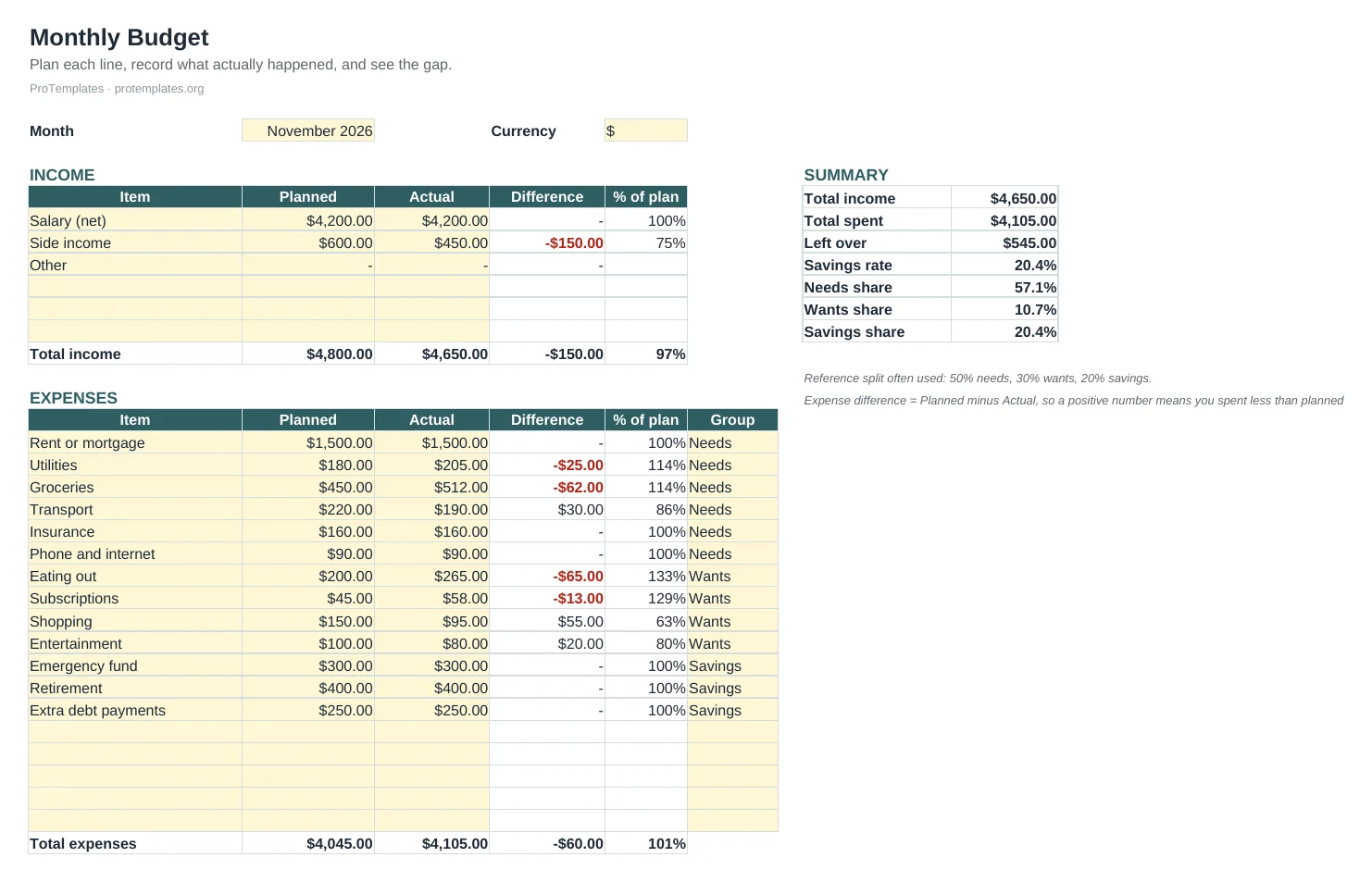
- Expense log for up to 200 entries with dropdowns
- Totals and percentage share by category, with data bars
- Monthly totals that roll forward from the first month you choose
- Filters to view one category or payment method
- Example rows and a How to use tab
How to use it
- Add each expense as it happens: date, description, category, payment method and amount.
- Edit the category list if you need different groups, keeping the dropdown in step.
- Set the first month in BY MONTH; later months follow on their own.
- Use the filters to review a single category or card.
FAQ
Can I add more than 200 rows?
Yes. Insert rows inside the table area so the totals keep counting them.
How do I track business and personal spending separately?
Add a category such as Business, or keep two copies of the file. Mixing them in one total makes both harder to read.
Does it connect to my bank?
No. Entries are typed or pasted in, which keeps your financial data in your own file.