Operations run on two kinds of knowledge: how things are done and what you have. SOPs capture the first, so a task is done the same way whoever does it. The inventory tracker captures the second, so you reorder before you run out.
The SOP template in Word and Google Docs gives a single procedure a clear structure with document control, roles, steps and quality checks. The SOP library in Notion holds many procedures with their status, owner and review dates. The inventory tracker values your stock and flags every item that has reached its reorder point.
Start with the processes that cause the most mistakes or that only one person knows how to do.
Templates
-

Inventory Tracker Template for Excel
This inventory tracker template for Excel keeps stock on hand, unit cost and stock value for every item in one sheet. When…
-
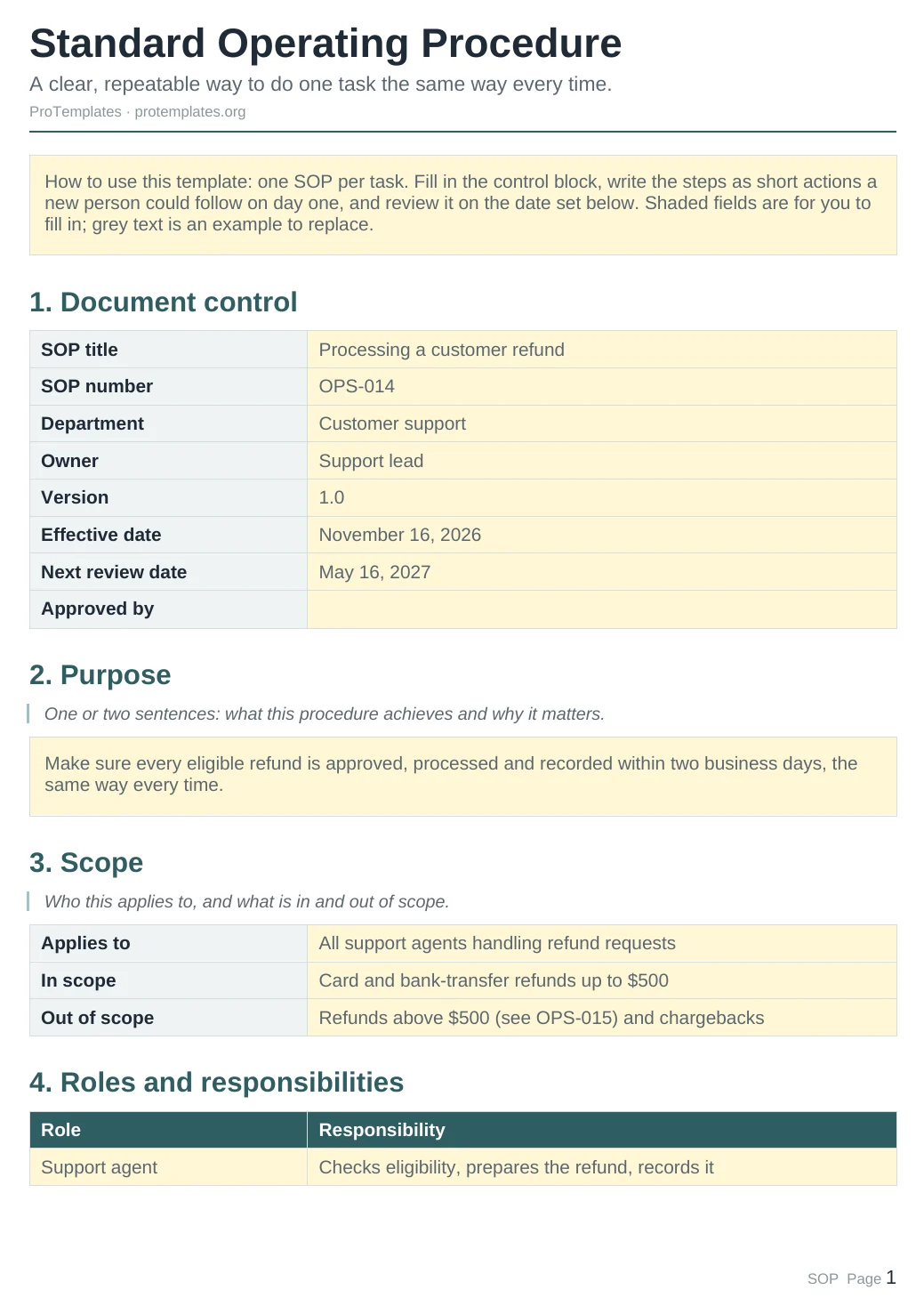
SOP Template: Standard Operating Procedure
This SOP template helps you write a standard operating procedure that a new person could follow on their first day. It includes…
-

Standard Operating Procedure Template for Notion
This free standard operating procedure template for Notion keeps every SOP in one library, with its department, owner, status, version and next…
Questions
Docs SOP or Notion SOP library?
Use the document when you need one procedure to print or send. Use the Notion library when you are documenting many processes and want to track reviews.
How detailed should an SOP be?
Detailed enough that someone new can follow it without asking. One action per step is a good rule.
Does the inventory tracker handle several locations?
Add a Location column and filter by it, or keep one tab per location.