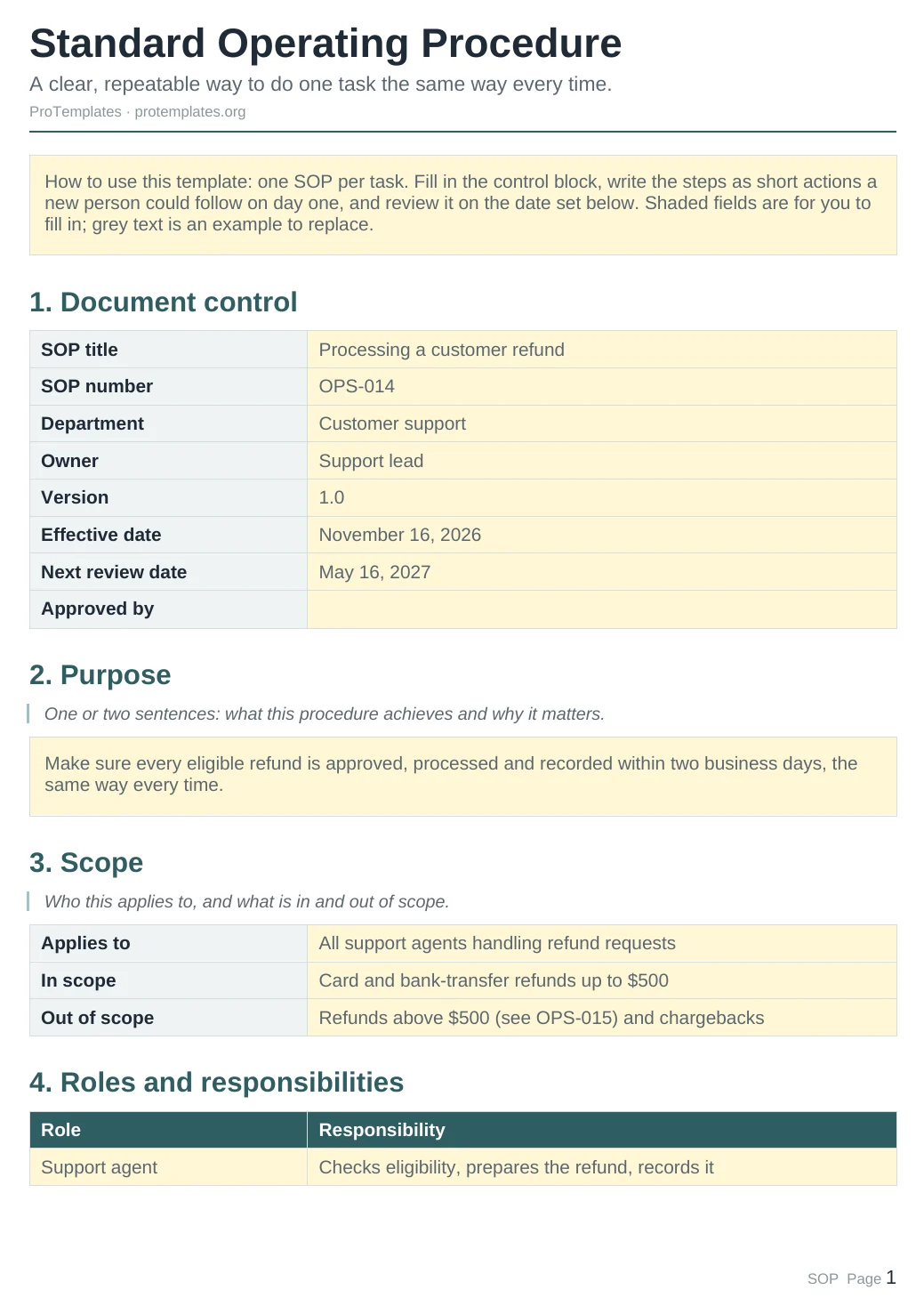

What’s inside
- SOP library database with department, owner role, status, version and review dates
- A complete sample SOP for processing a customer refund
- Two starter SOPs in draft and in review
- Table and board views, with the board grouped by department
- Five rules for writing SOPs people actually follow
How to use it
- Click the duplicate button to copy the template into your Notion workspace.
- Open the refund SOP to see the full structure.
- Duplicate it for each process and replace the content.
- Set the department, owner role, status and version.
- Add a next review date so no procedure goes stale.
FAQ
What is the difference with the Docs SOP template?
The Docs version is a single document you can print or send. This Notion version is a library: many SOPs in one place, with status and review dates you can sort and filter.
Who should own an SOP?
A role, not a person. If someone leaves, the role stays and the SOP still has an owner.
How often should SOPs be reviewed?
At least once a year, and whenever the process or the tools change. The Next review date makes the due ones easy to find.
Does it work on the free Notion plan?
Yes. It uses one database with table and board views.