What’s inside
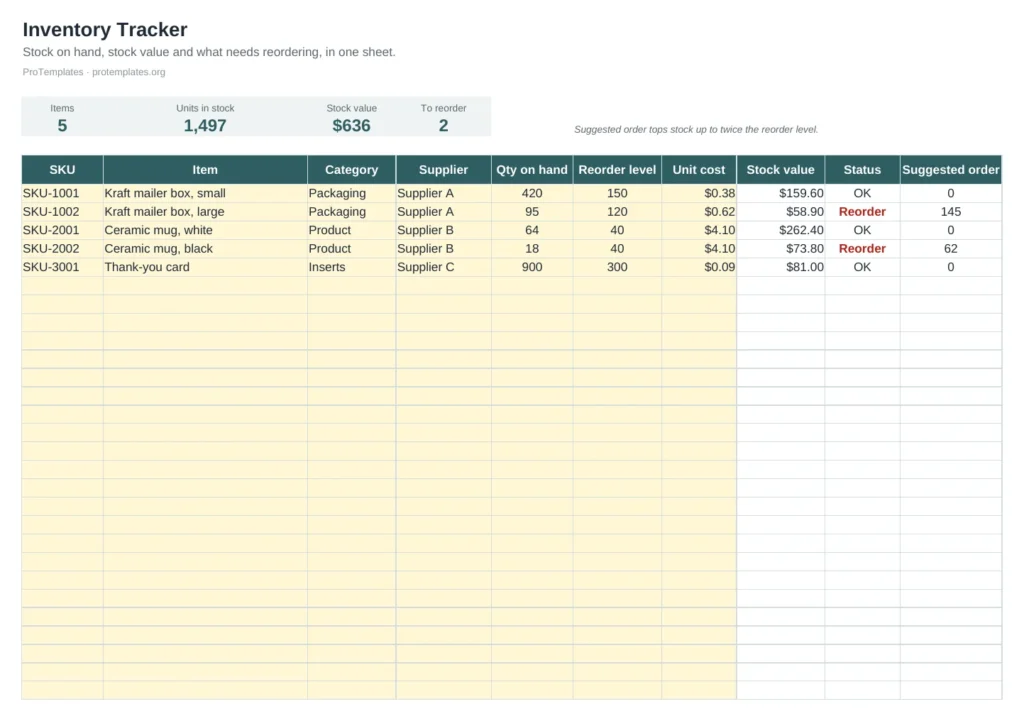
- Item list with SKU, category, supplier, quantity and reorder level
- Stock value per item and in total
- Automatic Reorder status and suggested order quantity
- Summary strip with item count, units, value and items to reorder
- Filters by category and supplier
How to use it
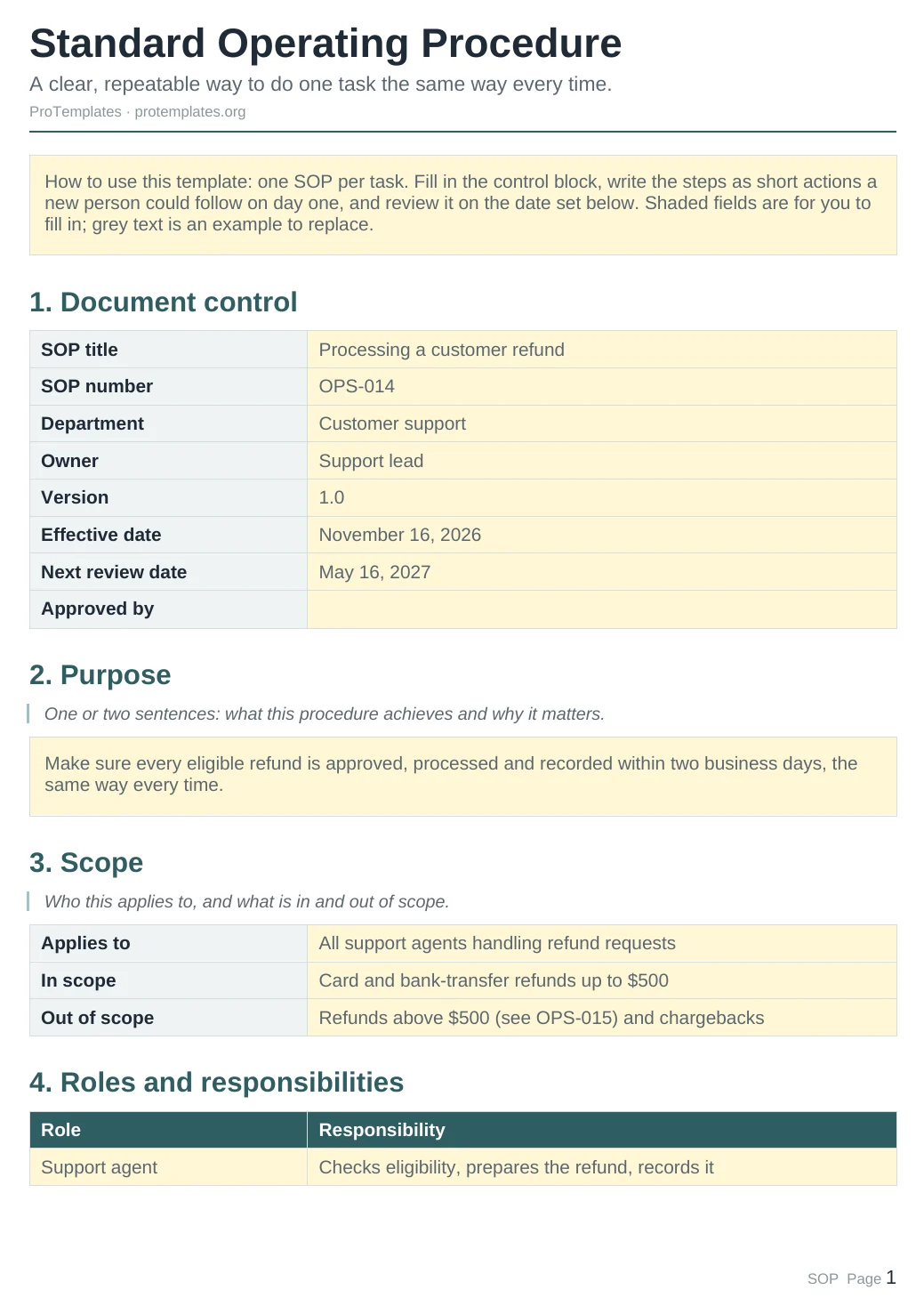
- Add each item with its SKU, supplier, quantity on hand, reorder level and unit cost.
- Update quantities after each delivery or stock count.
- Filter by Status to see what needs reordering.
- Use the suggested order as a starting point for purchase orders.
FAQ
How do I choose a reorder level?
A simple rule is the units you sell during your supplier’s delivery time plus a safety margin. Fast sellers need a higher level.
Why does the suggested order top up to twice the reorder level?
It is a simple default that keeps a buffer above the trigger point. Change the formula if your suppliers have minimum order quantities.
Can several people update it?
Upload it to Google Drive and open it in Google Sheets to edit together in real time.