What’s inside
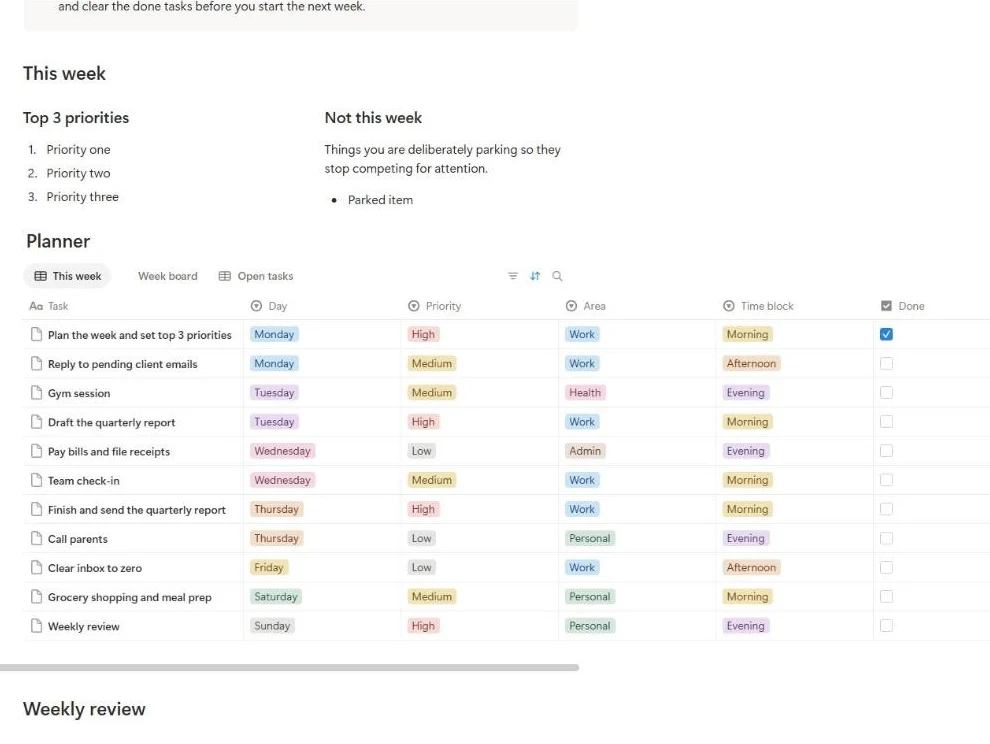
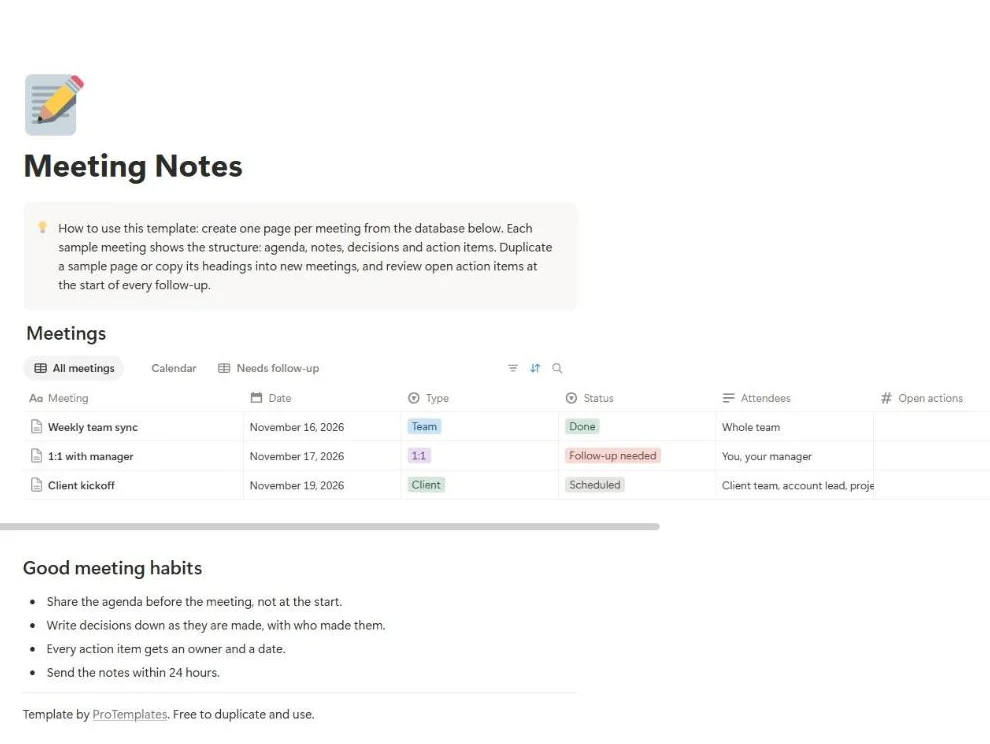
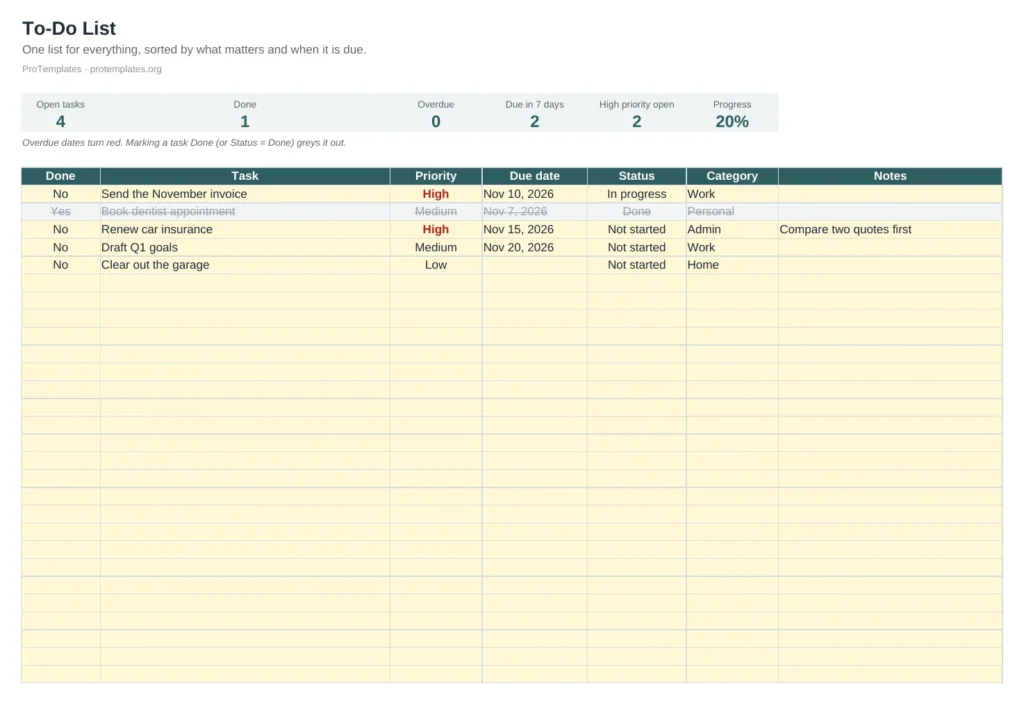
- Task list for up to 60 tasks
- Done, Priority and Status dropdowns
- Overdue dates in red and finished tasks greyed out
- Counters for open, done, overdue and due in seven days
- Filters by category or priority
How to use it
- Add each task with a priority and due date.
- Mark tasks done as you finish them.
- Sort by due date each morning.
- Clear out finished tasks weekly to keep the list short.
FAQ
Why use a spreadsheet instead of a to-do app?
It is free, private, works offline and you can add any column you need, such as client or project.
How do I see only today’s tasks?
Use the filter on Due date, or sort by it so the nearest dates come first.
Can I share it with a team?
Yes. Open it in Google Sheets and share the file; everyone sees the same counters.