
What’s inside
- 5 editable slides in 16:9
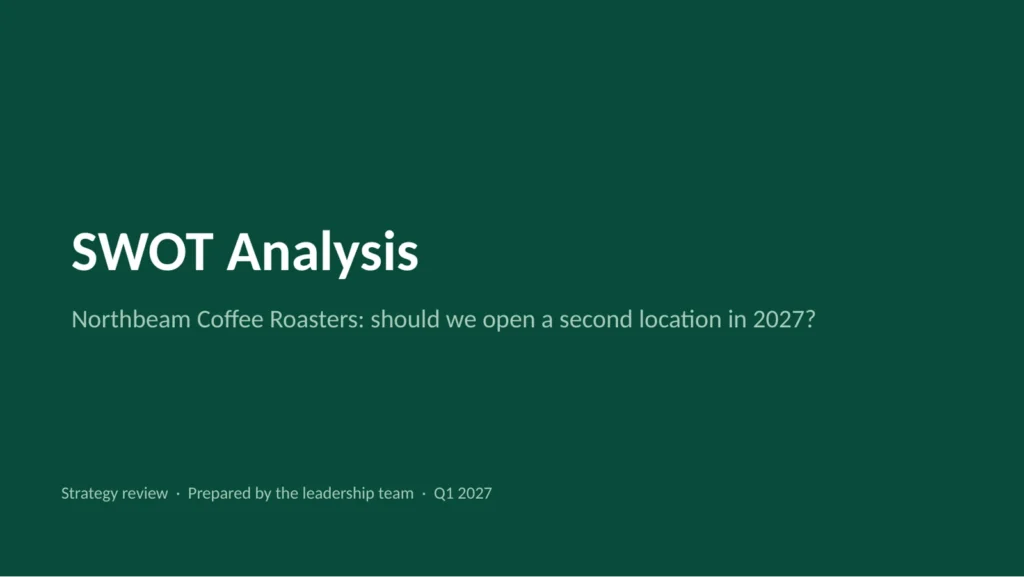
- Decision slide that frames the question the SWOT answers
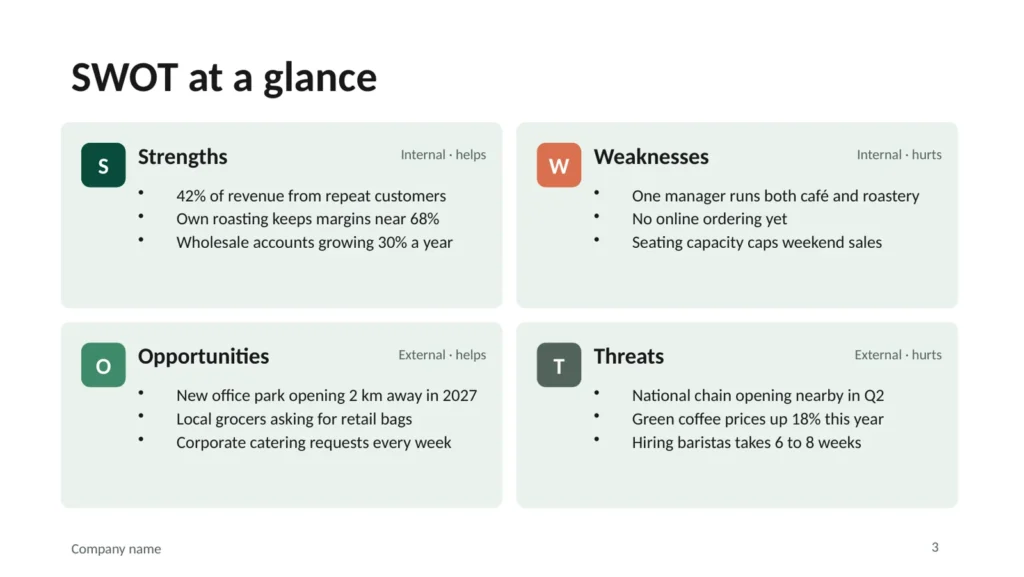
- Four-quadrant SWOT layout with internal and external labels
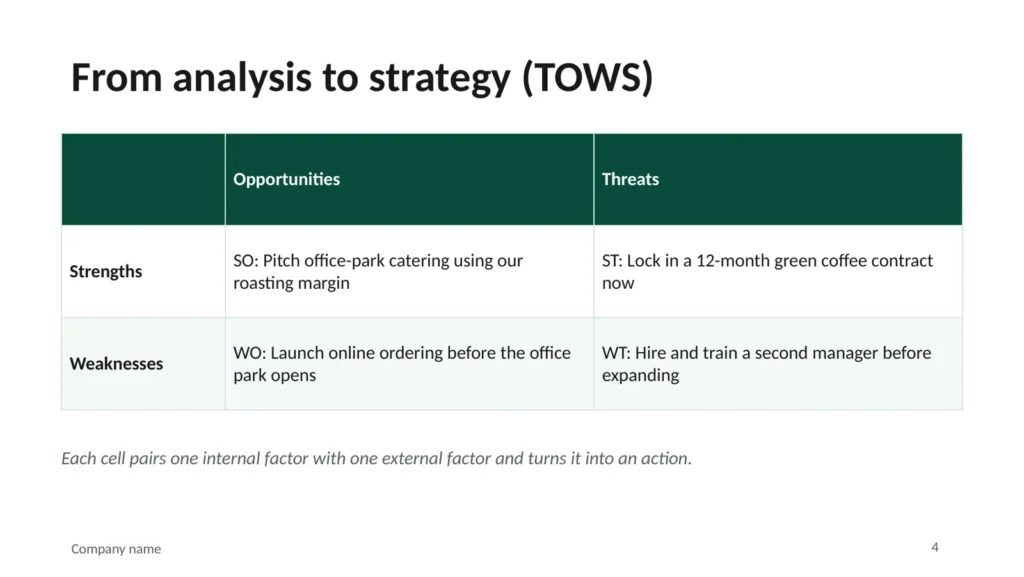
- TOWS matrix to turn factors into strategic options
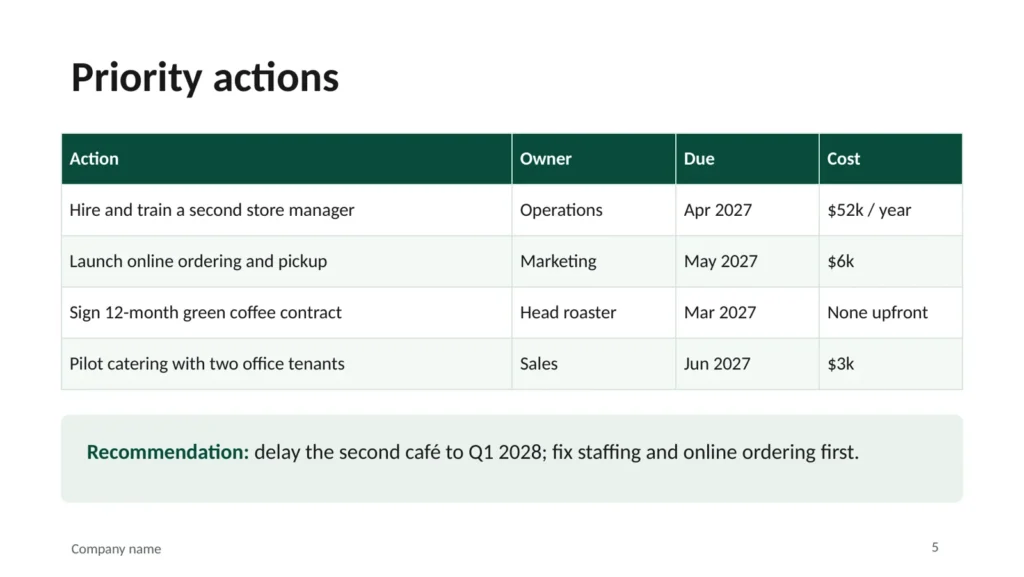
- Priority actions table and recommendation, with guidance in the speaker notes
How to use it
- Write the decision the SWOT should inform on slide 2.
- Fill each quadrant with three to five specific points, backed by numbers where possible.
- Combine quadrants in the TOWS matrix to generate options.
- Finish with owned, dated actions and one recommendation.
FAQ
What is the difference between SWOT and TOWS?
SWOT lists the factors; TOWS pairs them up (strengths with opportunities, weaknesses with threats and so on) to produce concrete strategies. Most SWOT analyses stop at the list, which is why they rarely lead to action.
How many points should each quadrant have?
Three to five. More than that usually means the points are too general to act on.
Does it work in Google Slides?
Yes. Upload the .pptx to Google Drive and open it with Google Slides. Charts and tables stay editable.
