What’s inside
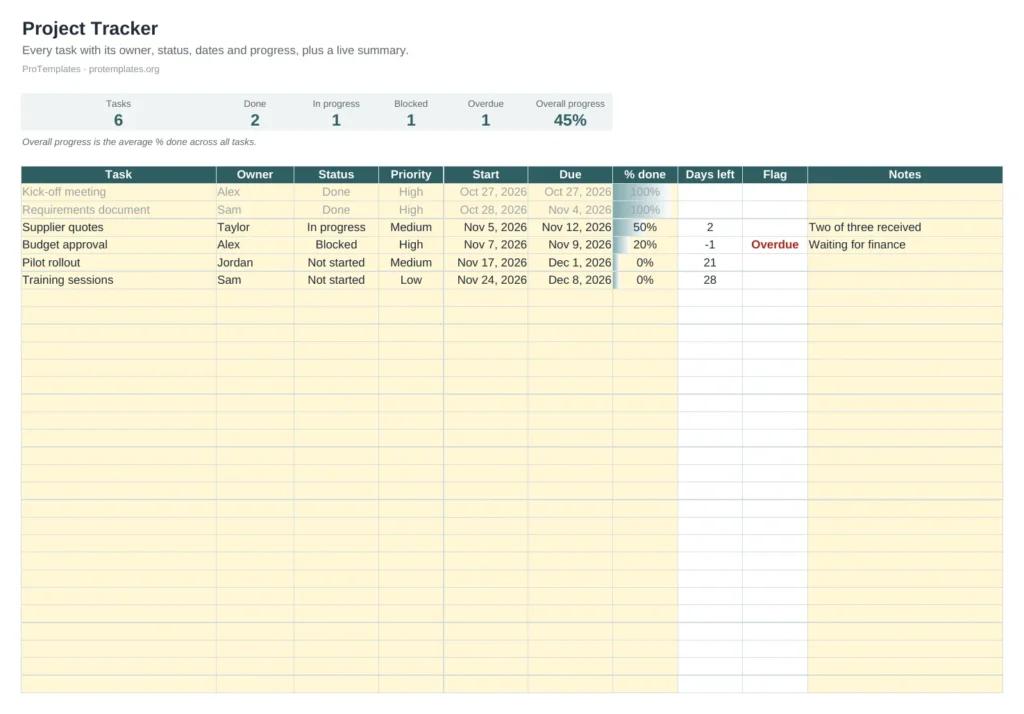
- Task table for up to 80 tasks
- Status and priority dropdowns
- Days left and an automatic Overdue or Blocked flag
- Progress bars per task
- Summary of tasks by status and overall progress
How to use it
- List tasks with owner, status, priority, start and due dates.
- Update % done and status at each check-in.
- Filter by owner or status for meetings.
- Review flagged tasks first.
FAQ
How is overall progress calculated?
It is the average % done across all tasks. Large tasks count the same as small ones, so split big tasks for a truer picture.
When should I use this instead of the Gantt chart?
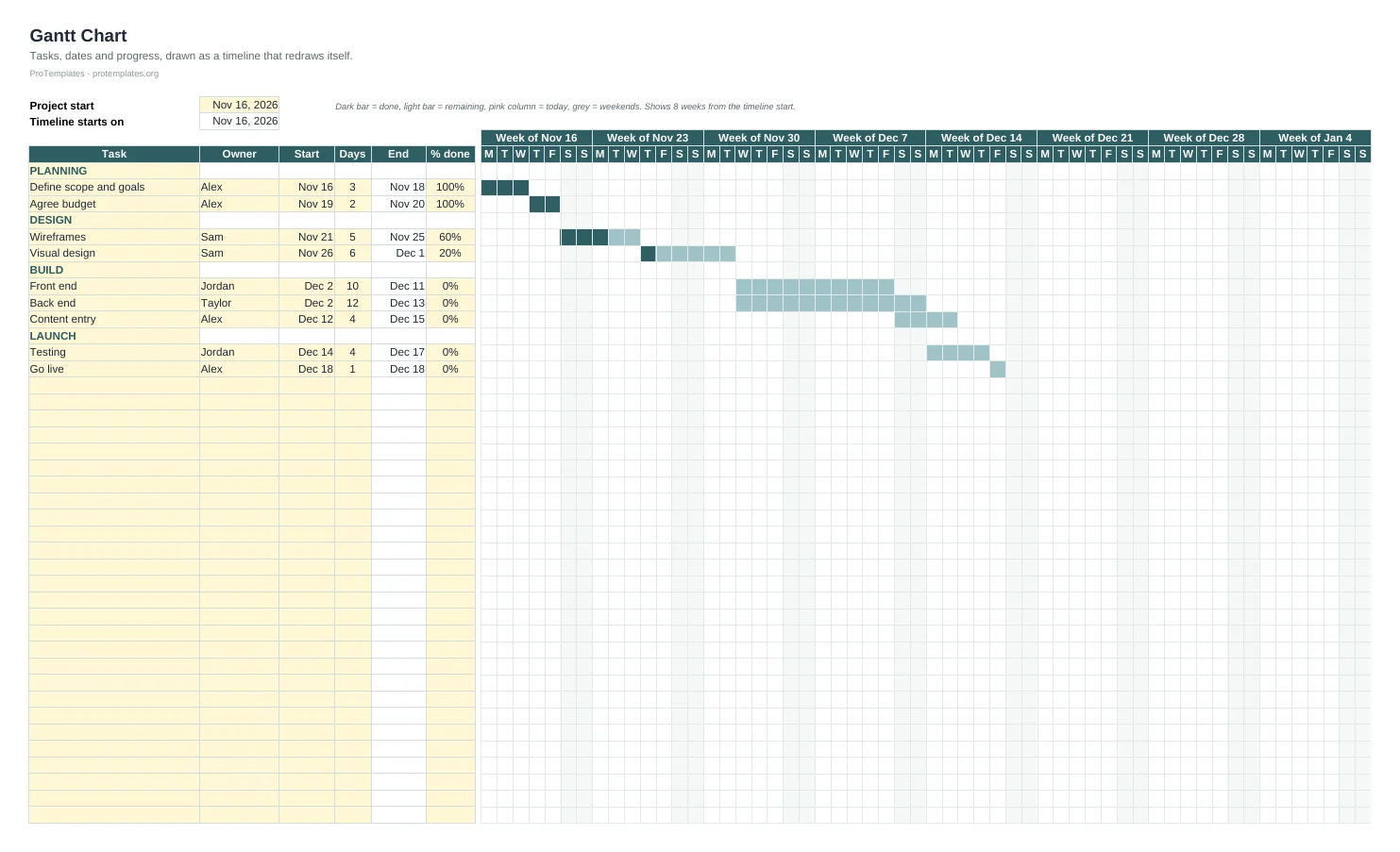
Use the tracker for status and ownership; use the Gantt chart when timing and dependencies matter most. Many teams keep both.
What counts as Blocked?
Any task that cannot move until someone else acts, such as an approval or a missing input. Write who you are waiting for in Notes so it can be chased.